WhatsApp QR code
Whoever scans it opens a WhatsApp chat with you right away, even with a pre-written message, without saving your number.
Create it now
Create WhatsApp QR
 iPhoneComing soon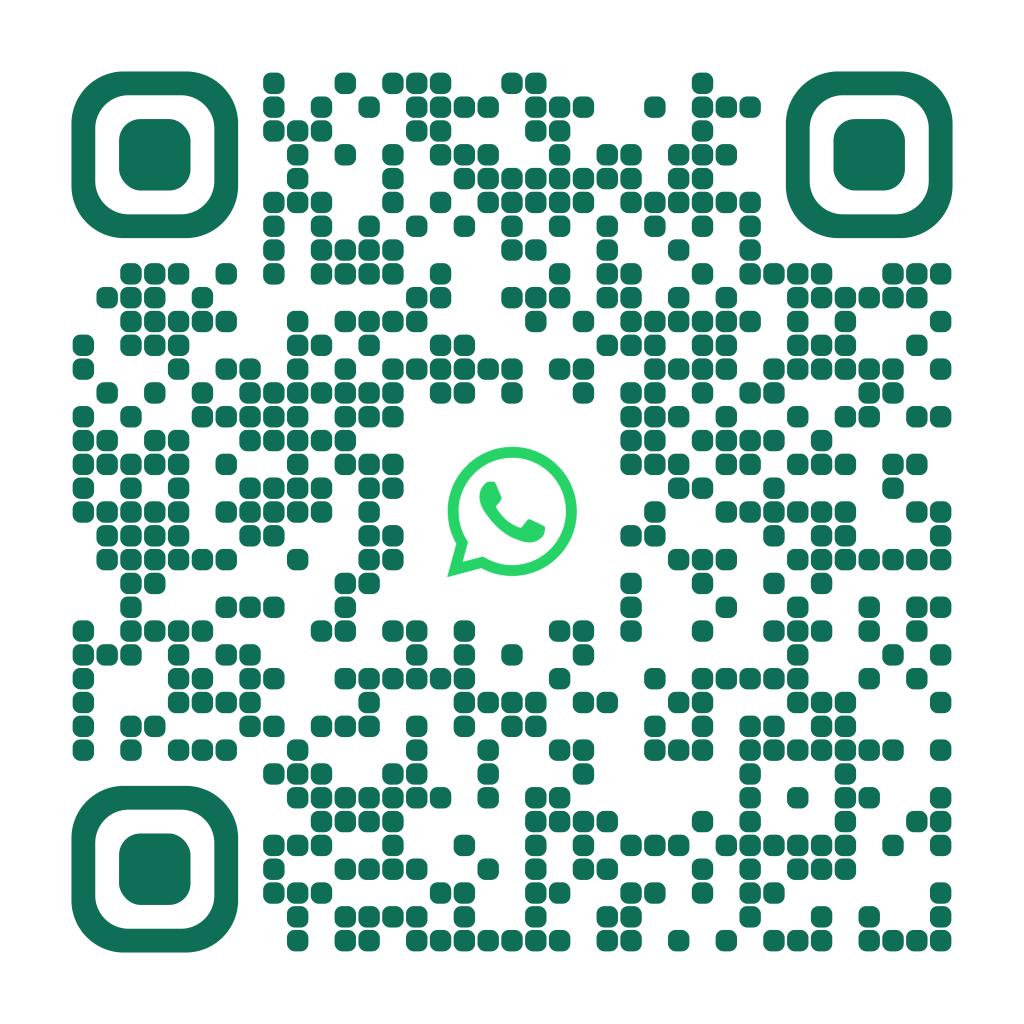
When to use it
- Bookings for restaurants, salons and studios
- Customer support in store or on packaging
- Windows and "Message us on WhatsApp" signs
- Business cards and flyers
How to create it
- Choose the WhatsApp type
- Enter the number with the international code, for example 44 for the UK
- Write an opening message, if you like
- Keep the automatic WhatsApp logo or change it, then download the QR
Tips
- Write the number without spaces or the leading zero
- A pre-written message like "Hi, I'd like to book" gets more replies
- With WhatsApp Business you can use your business number
Frequently asked questions
Does the person need my number in their contacts?
No, the chat opens directly even if the number isn't saved.
Is the message sent automatically?
No, it's only typed into the chat: the person decides whether to send it.
Does it work with WhatsApp Business?
Yes, it works with any WhatsApp number, personal or Business.