Google Maps location QR code
Opens Google Maps at the spot you choose, so people find their way with one tap.
Create it now
Create Location QR
 iPhoneComing soon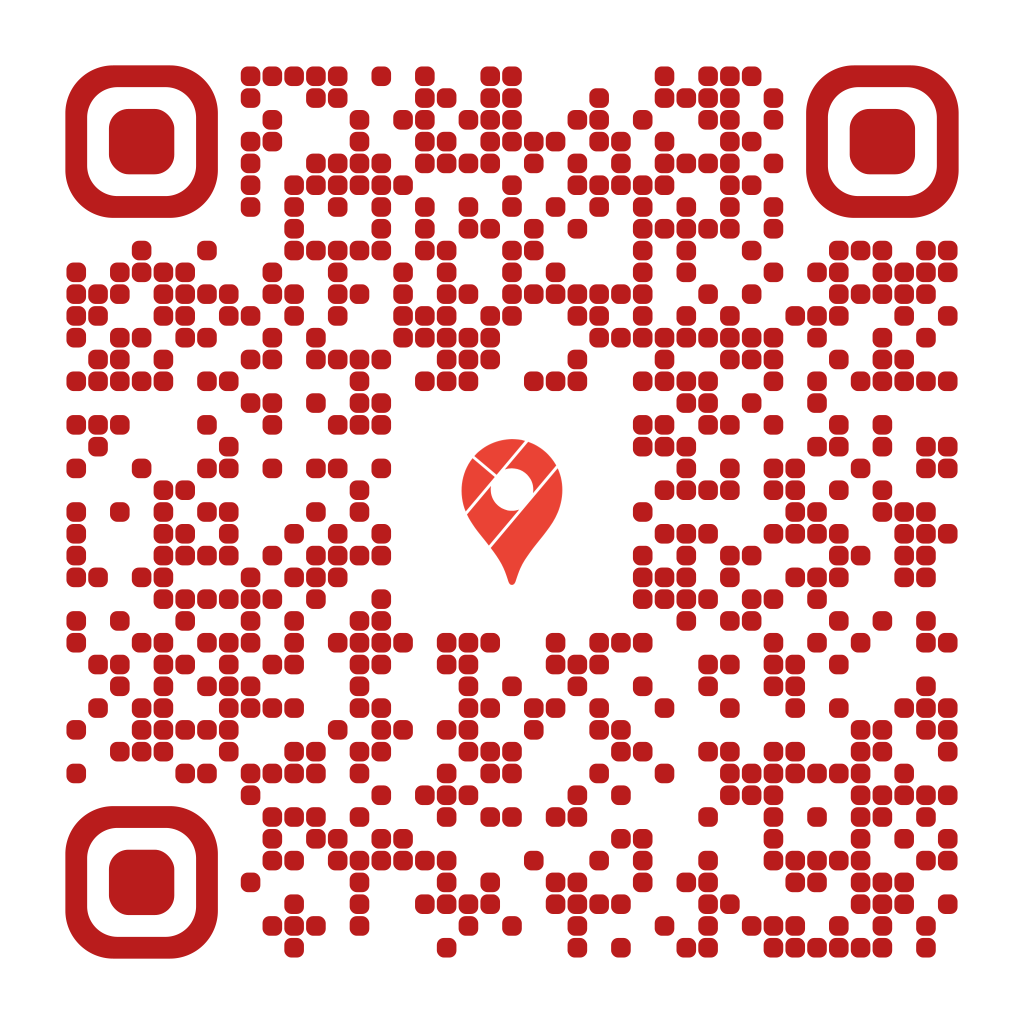
When to use it
- Wedding, party and event invitations
- Flyers for shops and restaurants
- Holiday rentals and meeting points
- Parking lots and hard-to-find entrances
How to create it
- Choose the Location type
- Enter the address or the coordinates
- Keep the automatic Google Maps logo or change it
- Download the QR or save it to My QRs
Tips
- Coordinates are more precise for places without an address
- On Google Maps, press and hold a spot to copy its coordinates
- Test the QR to check the spot is the right one
Frequently asked questions
Does it open in Apple Maps?
Google Maps opens if it's installed; otherwise the map opens in the browser.
Can I change the location after printing?
Yes, with a dynamic QR.
How do I find the coordinates?
On Google Maps press and hold the spot: the coordinates appear at the top and you can copy them.