
Instagram QR code
Takes people straight to your Instagram profile, so they can follow you with one tap.
Create it now
Create Instagram QR
 iPhoneComing soon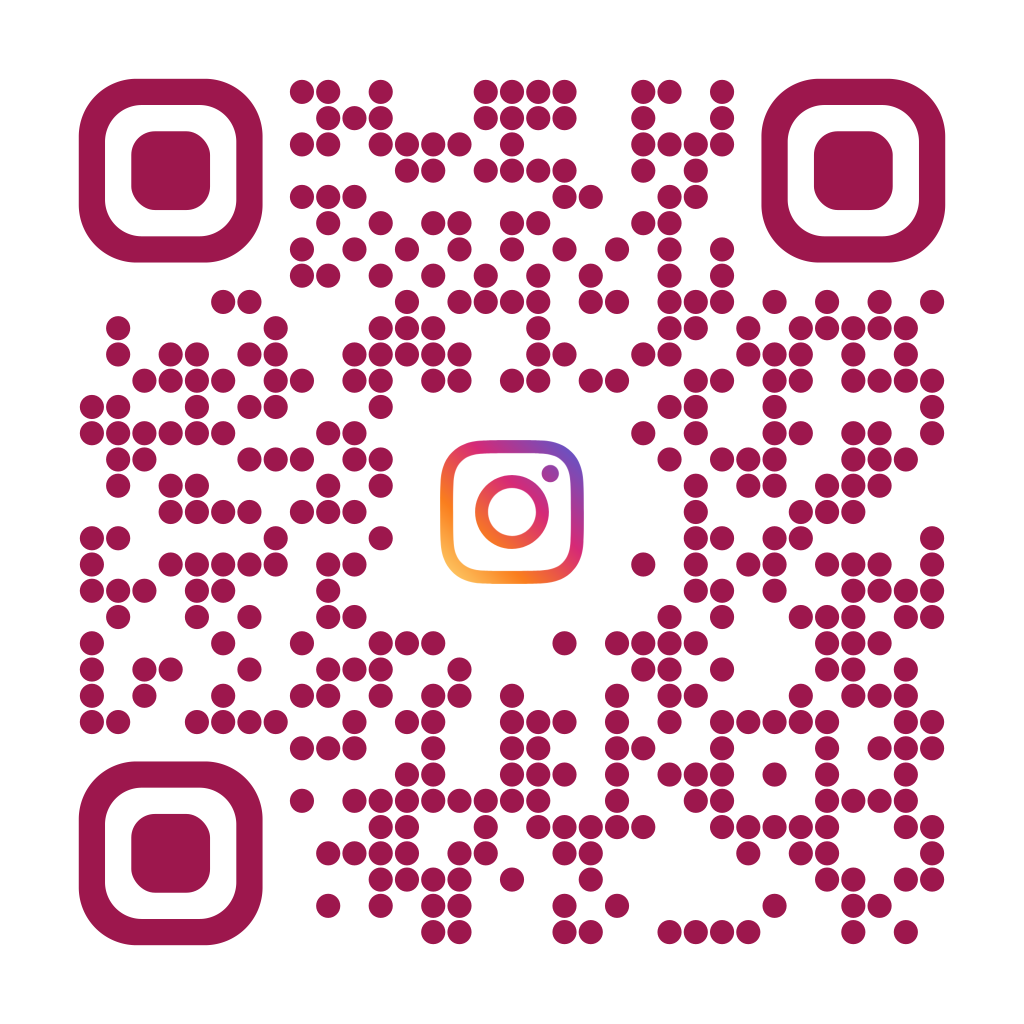
When to use it
- Store windows and counters
- Menus, receipts and bags
- Events, fairs and booths
- Business cards for creators and professionals
How to create it
- Choose the Instagram type
- Type your username, with or without @, or paste your profile link
- Keep the automatic Instagram logo or choose another
- Download the QR or save it to My QRs
Tips
- Check the username is spelled exactly as on your profile
- Next to the QR write a call to action like "Follow us on Instagram"
- Use a dynamic QR if you might change profile in the future
Frequently asked questions
Does it open the Instagram app?
Yes, if it's installed on the phone; otherwise the profile opens in the browser.
Can I link a post instead of the profile?
Yes, use the Link type and paste the post address: EZQR will still suggest the Instagram logo.
Does the profile need to be public?
The QR works with any profile, but people who don't follow you only see content if the profile is public.